Vulkan, when the device can take it
Use Vulkan, OpenGL ES, or software rendering for the whole app, or choose one per console.

Omnidroid is a modern multi-console emulation platform for Android that elevates mobile and handheld gaming with a console like experience in an APK under 8.5 MB.
Latest release v3.1.0
Phones, tablets, handhelds, and Android TV. Console cores download when you add them, so the APK stays small.
Use Vulkan, OpenGL ES, or software rendering for the whole app, or choose one per console.
A gamepad can move through the library, search, consoles, settings, and game pages.
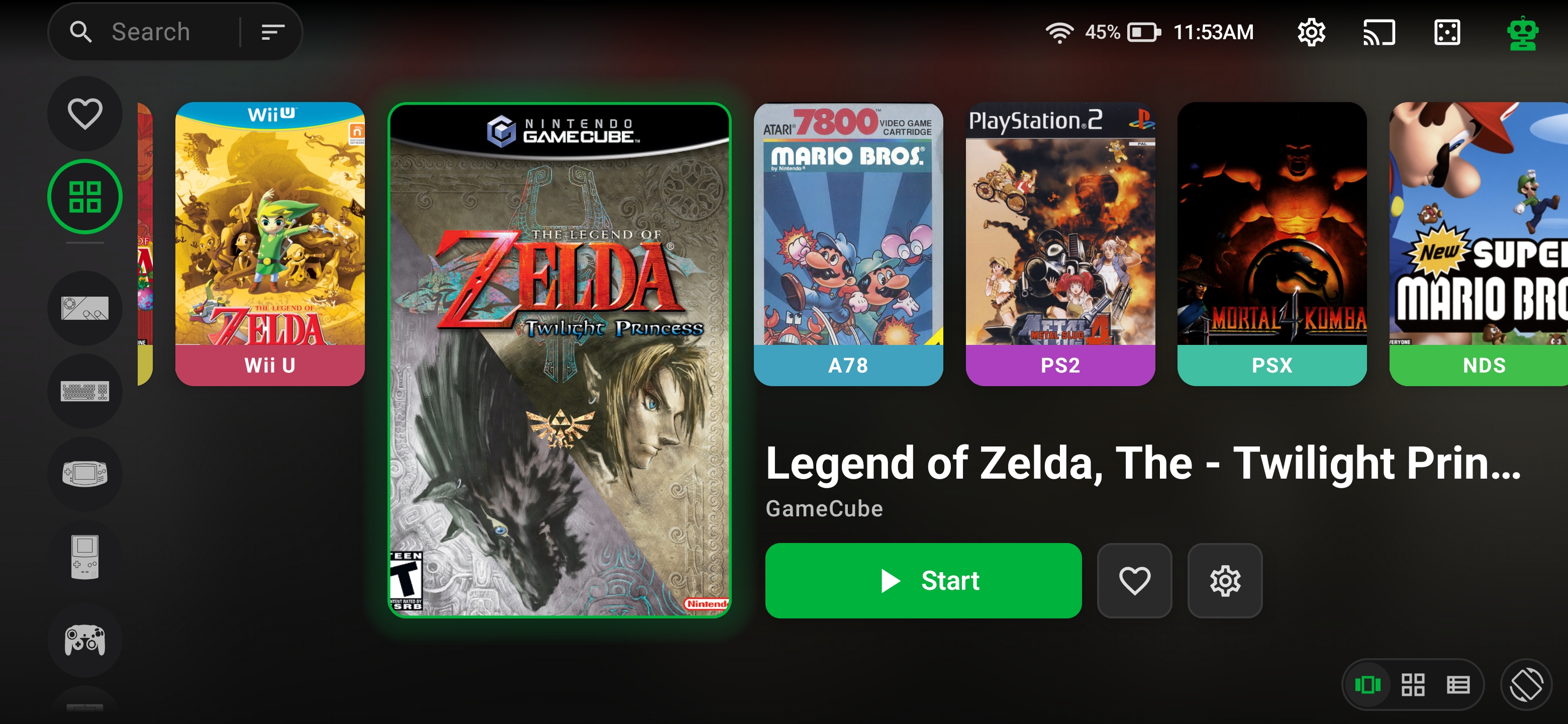
Landscape gets a details pane. Portrait gets a cover carousel. Phones, tablets, and handhelds each get a layout that fits.
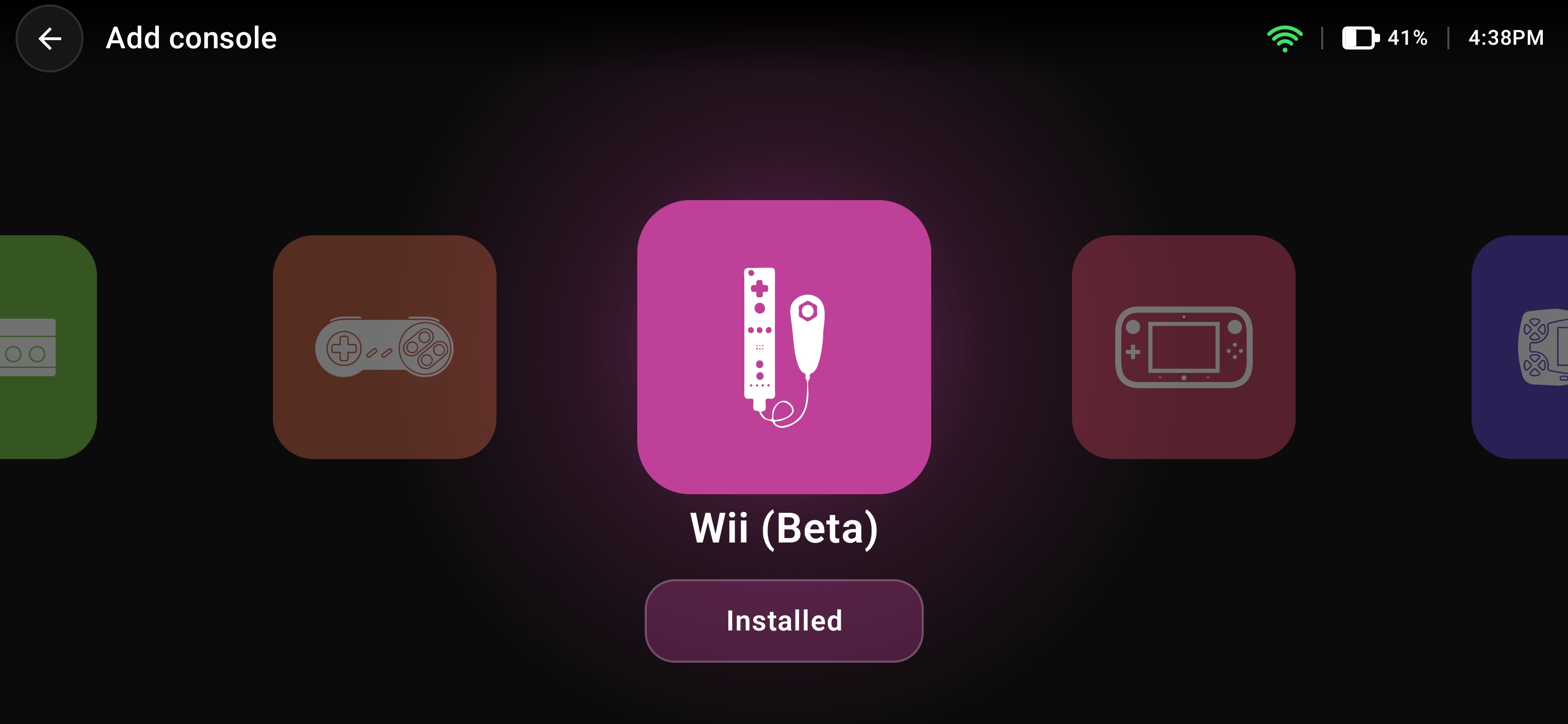
Add a console and its core downloads then, so the APK stays under 8.5 MB.
Sync saves with Google Drive, Dropbox, or OneDrive, resolve conflicts, or export a local zip.
Add a free RAWG key in settings for covers, descriptions, release dates, and trailers.
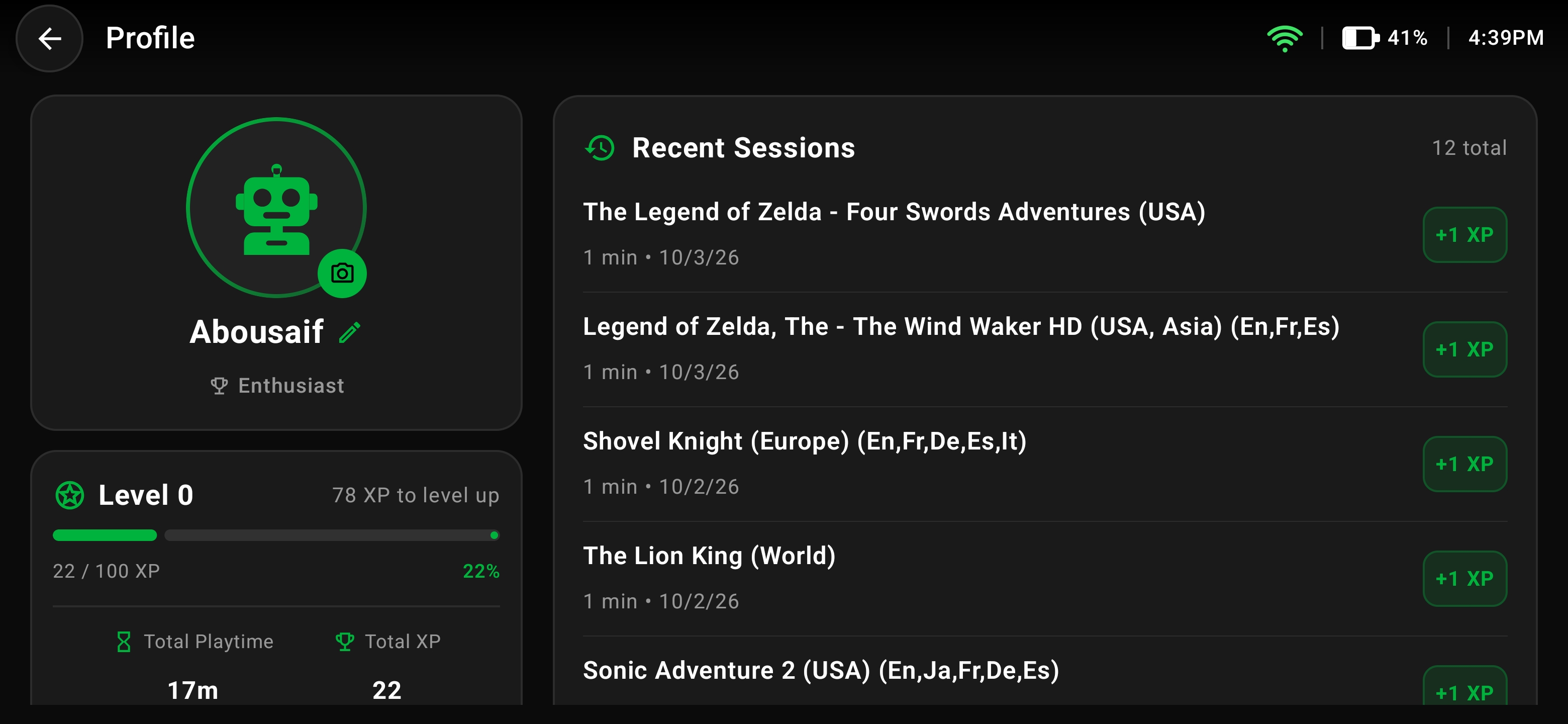
Play sessions earn XP, keep a daily streak, and unlock collection badges from Collector to Omnidroid Master.
A home-screen row of recently played games, plus wireless or HDMI casting.
Handhelds, home consoles, and arcade boards. A core downloads when you add that system.

Hybrid console · 8th gen
Eden

Handheld · 8th gen
Azahar / Citra
Home console · 8th gen
Cemu

Home console · 7th gen
Dolphin

Home console · 6th gen
Dolphin

Handheld · 7th gen
melonDS DS

Home console · 5th gen
mupen64plus

Handheld · 6th gen
mGBA


Handheld · 4th / 5th gen
Gambatte

Home console · 4th gen
Snes9x

Home console · 3rd gen
FCEUmm

Home console · 6th gen
ARMSX2
Handheld · 7th gen
PPSSPP

Home console · 5th gen
PCSX-ReARMed

Home console · 6th gen
Flycast

Home console · 4th gen
Genesis Plus GX
Add-on · 4th gen
Genesis Plus GX


8-bit console & handheld
Genesis Plus GX

Coin-op
FBNeo

Home console · 4th gen
Beetle PCE Fast

Handheld · 5th / 6th gen
Beetle NeoPop

Handheld · 5th / 6th gen
Beetle Cygne



Atari family
Stella / ProSystem / Handy
Install the latest release (v3.1.0), then point Omnidroid at games you already own.
01
Android 7.0 or newer. Download the latest release and install it.
02
Grant storage access and choose the folder where you keep games you already own. Zip, 7z, and CHD are fine.
03
Omnidroid recognizes games from the files themselves, so they don’t need a special folder layout.
04
USB and Bluetooth gamepads map themselves. Touch controls can be resized, moved, and faded.
Download the latest APK and install it on Android 7.0 or newer. It runs on phones, tablets, handhelds, and Android TV.
Android 7.0 or newer. The app is under 8.5 MB. Console cores download when you add a system.
Yes. Omnidroid uses the exact same .srm battery saves and Libretro save states as Lemuroid. You can migrate via 1-tap direct detection, USB transfer from a PC, or by importing a folder or zip in Saves & Backup. See our Migrate guide for details.
No. Choose a folder of ROMs you already own, and Omnidroid scans them.
Most systems start without one. Nintendo Switch requires production keys (prod.keys). PlayStation 2 needs a BIOS you provide (USA, Europe, or Japan). PlayStation, Sega CD, and GBA can use BIOS files in Omnidroid’s system folder.
Open Settings, then Saves. Sign in to Google Drive, Dropbox, or OneDrive. You can also export or import a zip of every save on the device.
Yes. Xbox, DualShock, DualSense, Switch Pro, 8BitDo, and built-in handheld controls are mapped automatically. On-screen controls are there when you don’t have a pad.
GPLv3. The full license is on the License page, and the source is on GitHub.
ROM paths, saves, and settings stay on the device. Optional online artwork and game details use a shared metadata catalog. No account is required. The Privacy page has the full explanation.
Omnidroid is free. The source is public, and tips help pay for the time it takes.
Send a tip if Omnidroid is useful to you.

Another way to support development.

Omnidroid is a one-person project. Ahmed builds and maintains it end to end — from core integration and cloud saves to the website you're reading.